Tomodachi Life APK guide - Verified July 25, 2026, Ver. 1.0.4
Tomodachi Life APK Download for Android: What to Know First
Short answer: a verified official Tomodachi Life Android APK is not established. This guide explains why APK pages rank in search, how to separate Android files from ROMs and PC installers, and which checks to run before trusting any download button.
Official update verified
Nintendo Support lists Tomodachi Life: Living the Dream Ver. 1.0.4 as the latest software update, released July 22, 2026.
APK intent
Most visitors want a Tomodachi Life Android APK, but many search results are third-party pages using the game's name for download traffic.
Platform reality
The original Tomodachi Life is tied to Nintendo 3DS context, while Tomodachi Life: Living the Dream is associated with Nintendo Switch information.
Safety angle
Unknown APKs, forced installers, password archives, and broad platform promises should be treated as warning signs.
Verified Links Instead of Unofficial APK Downloads
No verified official Tomodachi Life Android APK download was found. Use these real links for official game information and safe platform verification instead of unknown APK mirrors.
Tomodachi Life: Living the Dream Ver. 1.0.4
Nintendo Support lists Tomodachi Life: Living the Dream Ver. 1.0.4 as the latest software update, released July 22, 2026.
Open update guideTomodachi Life: Living the Dream
Nintendo official page for the newer title and platform context.
Open Nintendo pageTomodachi Life for Nintendo 3DS
Nintendo official page for the original Tomodachi Life release.
Open Nintendo pageAzahar on Google Play
A real Google Play listing for the Azahar 3DS emulator app; this is not a Tomodachi Life APK or game file.
Open Google PlayLatest Official Version Check
As of July 25, 2026, Nintendo Support lists Tomodachi Life: Living the Dream Ver. 1.0.4 as the latest software update, released July 22, 2026. Update through the Nintendo Switch or Switch 2 console software-update flow via the internet. This site does not provide APK, ROM, NSP/XCI, emulator game files, torrents, cracks, keys, firmware, BIOS files, or unofficial mirrors.
| Official source | Latest version | Released |
|---|---|---|
| Nintendo Support | Ver. 1.0.4 | July 22, 2026 |
Direct Answer: Should You Download a Tomodachi Life APK?
Do not treat a Tomodachi Life APK page as trustworthy just because it appears in search. First confirm that the file source is official, that the package is really for Android, and that the page does not hide the download behind ad loops, password archives, or unrelated installers. If the page cannot explain the platform and file type clearly, use the official links and safety checklist instead of installing the file.
| Question | Fast Answer | Next Step |
|---|---|---|
| Is an official Android APK verified? | No verified official Android APK is established here. | Compare the claim with Nintendo platform pages. |
| Can an APK also be a PC game? | No. APK is an Android package format. | Use the PC guide for Windows, Mac, Linux, and Chromebook searches. |
| What is the safest action? | Verify source, file type, permissions, and download behavior. | Open the APK safety checklist before installing. |
Tomodachi Life APK Download Options
The phrase Tomodachi Life APK usually means users want a mobile version. APK files are Android packages, but the existence of an APK page does not prove that the game has an official Android release.
| Search Term | What It Usually Means | Best Answer |
|---|---|---|
| tomodachi life apk | Android file request | Check whether the source is official and whether the platform claim makes sense. |
| tomodachi life apk android | Phone or tablet version | Treat unknown APK files carefully because the game is not known as an official Android app. |
| tomodachi life apk pc | Desktop play request | An APK is not a Windows installer; PC claims need extra scrutiny. |
| tomodachi life apk reddit | Safety validation | Community discussions can flag risks, but they do not replace official platform confirmation. |
Why Tomodachi Life APK Pages Appear in Search
Popular Nintendo game names often attract third-party APK pages. Some pages target users looking for free downloads, while others mix real platform terms with Android APK language.
High search demand
Many people want Tomodachi Life on mobile, so APK pages compete for searches even when the platform story is unclear.
Name confusion
Searchers often use Tomodachi Life, Tomodachi Life 2, and Living the Dream interchangeably, creating room for misleading pages.
File type confusion
APK, ROM, emulator file, and PC installer are different things. A single file should not promise every platform at once.
Safe Checks Before Installing Any Tomodachi Life APK
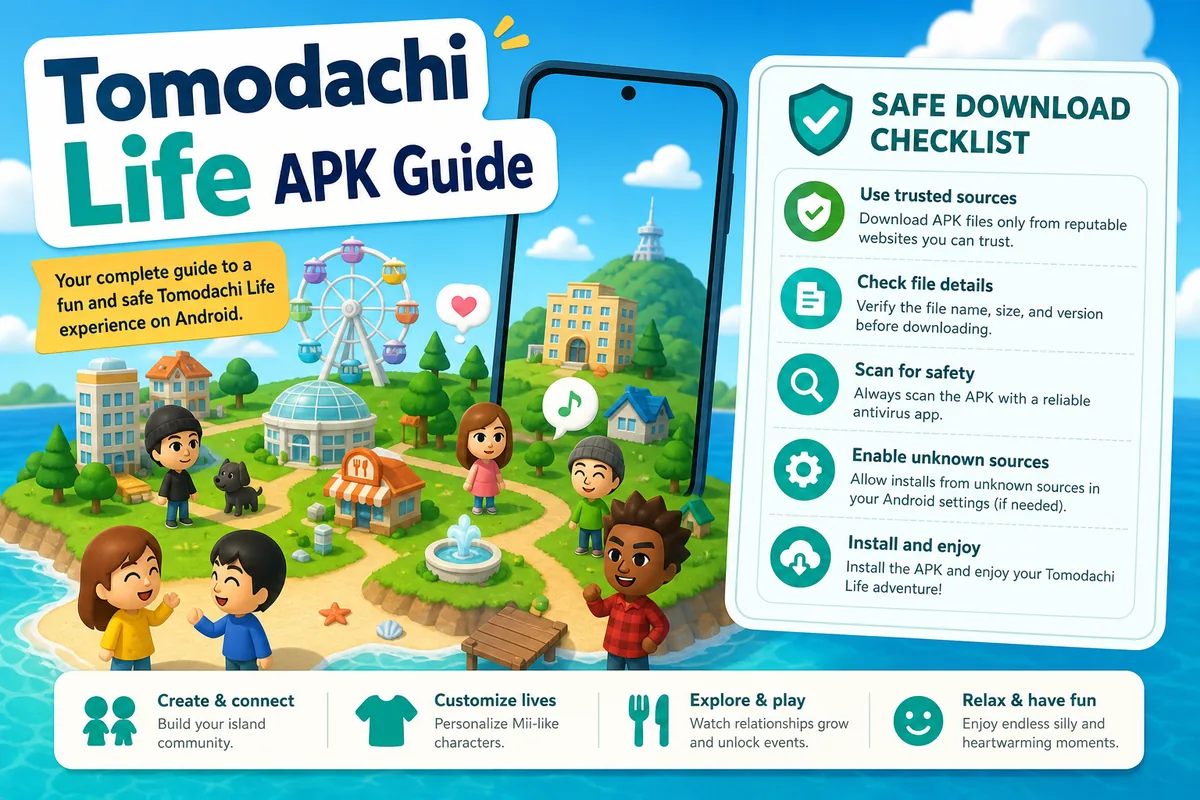
Use these checks before downloading files from an APK page, mirror site, mediafire link, or installer page.
-
Confirm the platform
Look for clear information about whether the page is discussing Android, PC, Nintendo 3DS, or Nintendo Switch.
-
Avoid broad promises
Be skeptical of pages claiming one APK works on Android, Windows, Mac, Linux, Switch, and 3DS.
-
Inspect the file behavior
Extra launchers, browser extensions, password archives, and unrelated permissions are strong warning signs.
-
Use official facts as the baseline
Compare download claims against official Nintendo platform information before trusting a file.
APK, ROM, Emulator, and PC File Differences
A stronger Tomodachi Life download page should teach users the file-type difference instead of pushing one generic download button. This helps match search intent while reducing confusion and unsafe clicks.
| File Type | Normally Used For | Tomodachi Life Search Risk |
|---|---|---|
| APK | Android apps and Android-based devices | Often used by sites claiming an unofficial mobile version. |
| ROM | Console game images | Can raise legal and safety issues when offered by mirror sites. |
| EXE/MSI | Windows installers | High risk when a console game is repackaged as a generic PC installer. |
| Emulator | Software that runs another platform environment | Does not include the game and should not be bundled with unknown files. |
Best Match for Each Tomodachi Life APK Searcher
Different visitors use the same APK keyword for different reasons. A strong page should separate the user who wants Android, the user who wants PC, the user checking Reddit, and the user who is worried about fake download pages. That makes the content more useful than a thin download page and helps the user choose the next safe step.
If you want Android
Start by checking whether the page explains official Android availability. If it only offers a button and no platform context, treat the APK claim as weak.
If you want PC
Move to the PC guide because APK for PC searches usually need an explanation of Android packages, Windows installers, and emulator terminology.
If you want a quick safety answer
Use the APK safety checklist before installing anything, especially if the file comes from a mirror, ad shortener, or compressed archive.
Content Depth Notes for Tomodachi Life APK Pages
The page should not repeat the same warning in every paragraph. It should answer why the query exists, what APK means, what the official platform context is, what a suspicious page looks like, and which related page solves the next question. That gives the visitor a complete path without needing a separate blog article.
-
Answer the direct query first
State that a verified official Android APK is not established, then explain what users usually find in search results.
-
Define file types clearly
Use APK, ROM, emulator, and installer definitions so users understand why one download cannot honestly cover every device.
-
Show the next best page
Link Android users to the safety checklist, PC users to the PC guide, and new-title users to the Living the Dream APK guide.
-
Support claims with sources
Use Nintendo platform pages and support notices as external reference points instead of relying on download-site claims.
Related Tomodachi Life Download Guides
Living the Dream APK
Understand why the new title is often searched with APK and PC download terms.
Open guideTomodachi Life PC
Compare PC, laptop, Windows, Mac, Linux, and Chromebook search intent.
Open guideAPK Safety
Review fake APK warning signs before installing unknown files.
Open checklistLiving the Dream Guide
Read the official-game hub for release, price, demo, Switch support, Miis, and GameShare details.
Open guideOfficial Sources and Verification Links
These external references are used as factual anchors when comparing APK, PC, emulator, and official platform claims.
Nintendo Living the Dream
Official Nintendo product information for Tomodachi Life: Living the Dream and its platform context.
Visit NintendoNintendo Tomodachi Life 3DS
Official Nintendo page for the original Tomodachi Life title on Nintendo 3DS.
Visit NintendoNintendo 3DS Online Notice
Nintendo support notice about Nintendo 3DS and Wii U online services ending on April 8, 2024.
Read support noteNintendo Support update page
Nintendo Support lists Tomodachi Life: Living the Dream Ver. 1.0.4 as the latest software update, released July 22, 2026.
Open update guideTomodachi Life APK FAQ
What is the latest official version of Tomodachi Life: Living the Dream?
Nintendo Support lists Ver. 1.0.4 as the latest software update, released July 22, 2026. Update from the Switch HOME Menu via Software Update > Via the Internet.
Is there an official Tomodachi Life APK?
There is no widely verified official Android APK for Tomodachi Life. Treat third-party APK pages as unverified unless an official platform source confirms the file.
Can I install Tomodachi Life APK on Android?
You may find APK pages claiming Android support, but the safer approach is to verify the source, platform, permissions, and file behavior before installing anything.
Is Tomodachi Life APK for PC real?
An APK is an Android package, not a standard Windows PC installer. Pages advertising a PC APK should explain exactly how the file is supposed to run.
Why do people search for Tomodachi Life APK?
Many players want a mobile version or an easy download. That search demand leads many third-party sites to publish APK-style pages.
Is Tomodachi Life APK the same as a ROM?
No. An APK is an Android app package, while a ROM usually refers to a console game image. The terms should not be used interchangeably.
What should a trustworthy Tomodachi Life APK page show?
It should clearly identify the platform, file type, source, permissions, version context, and official reference points. A page with only a download button is not enough.
Why does Google show Tomodachi Life APK pages if the file is unverified?
Search results can include pages that match user wording without proving file legitimacy. Ranking for an APK phrase does not confirm an official Android release.